How it works
TapTech in three parts, how to get started, the three ways to get tags, and what happens when someone taps.
TapTech is one system in three parts: Tags, Portal and Core. A tag is the physical object someone taps. The Portal is what opens on their phone. Core is where you set it up and see what happened. This page shows how the parts fit, how to get started and what happens on a tap.
The system
A tap opens the door. The Portal turns the visit into a relationship. Core keeps track of everything.
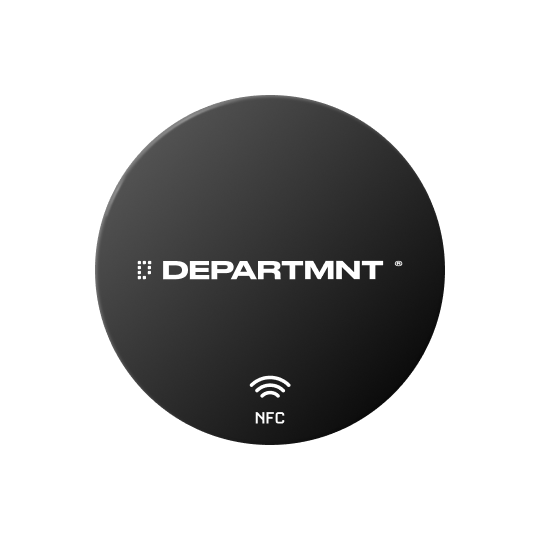 TagsTen formats, in products, places and on people.
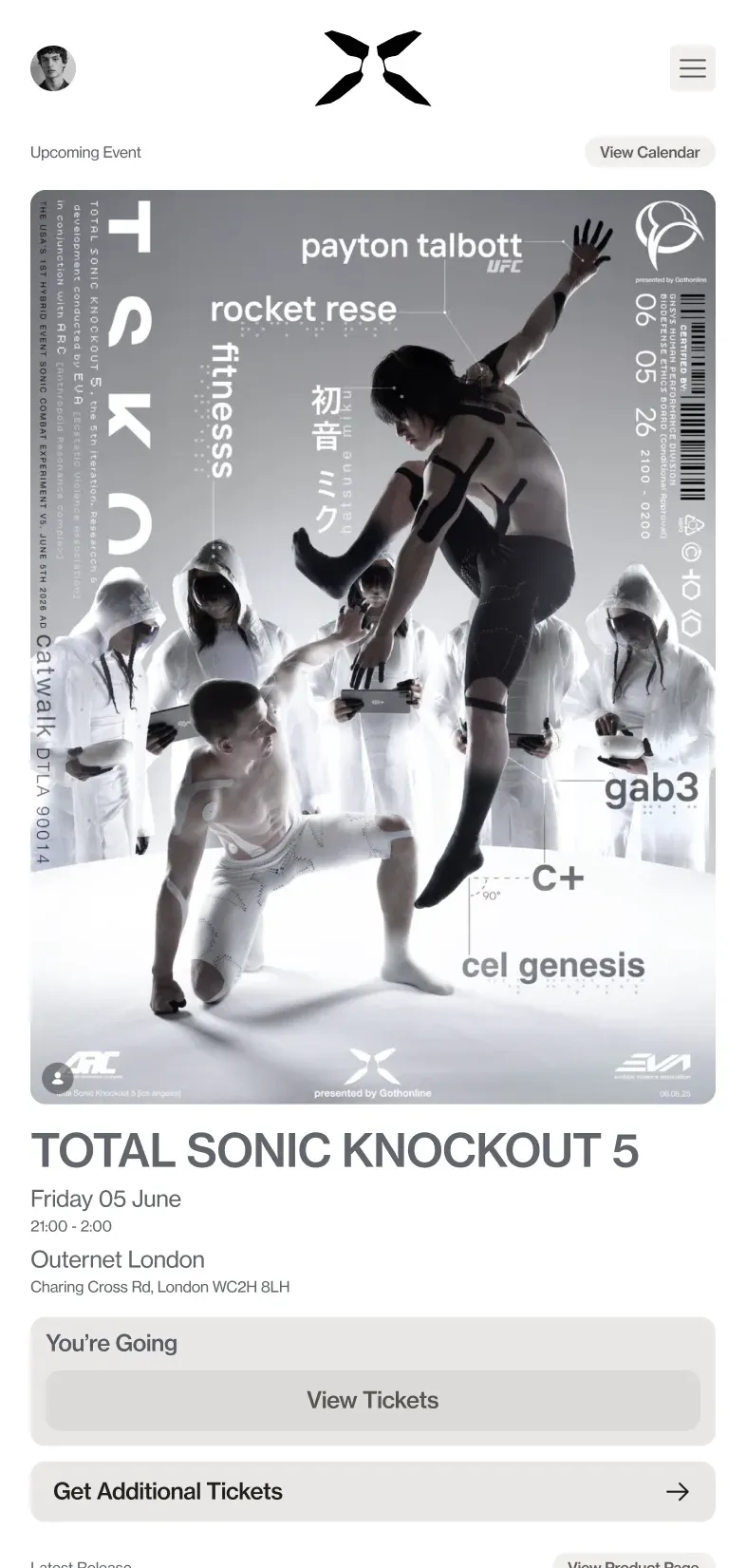 PortalThe page a tap opens. No app, ever.
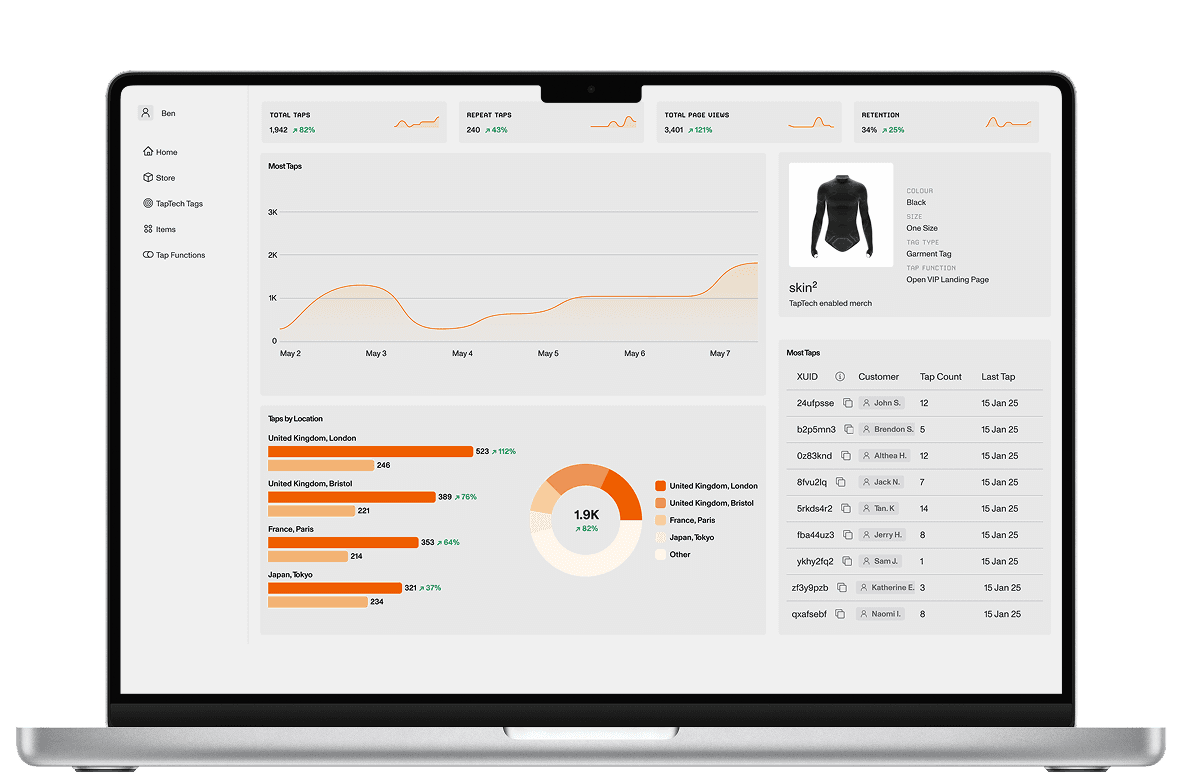 CoreWhere you run it, and keep the record.
NFC makes the connection. People unlock value through the Portal, and brands use Core to set rules and rewards and to track what happens. All three sit on a brand owned, secure, central database with authentication built in.
Each part has its own address:
- departmnt.xyz
- The website
- docs.departmnt.xyz
- This knowledge base
- [brand].departmnt.io
- Portals, one per brand
- departmnt.tech
- Core, the client dashboard
Getting started
The flow is the same whether we run it for you or you run it yourself in Core.
- Pick a formatSticker sheet, garment tag, wristband, card, Mini CD, on metal sticker or resin tag.
- CustomisePrint and finish, and the tag type: Standard or Advance.
- Choose a quantity
- OrderTags are made and delivered to a physical address.
- Configure in CoreClaim the tag batch and point it at a Portal.
- Build the PortalChoose modules, set gating and theme, preview.
- Go liveThe Portal is live at yourbrand.departmnt.io. Track and update from Core.
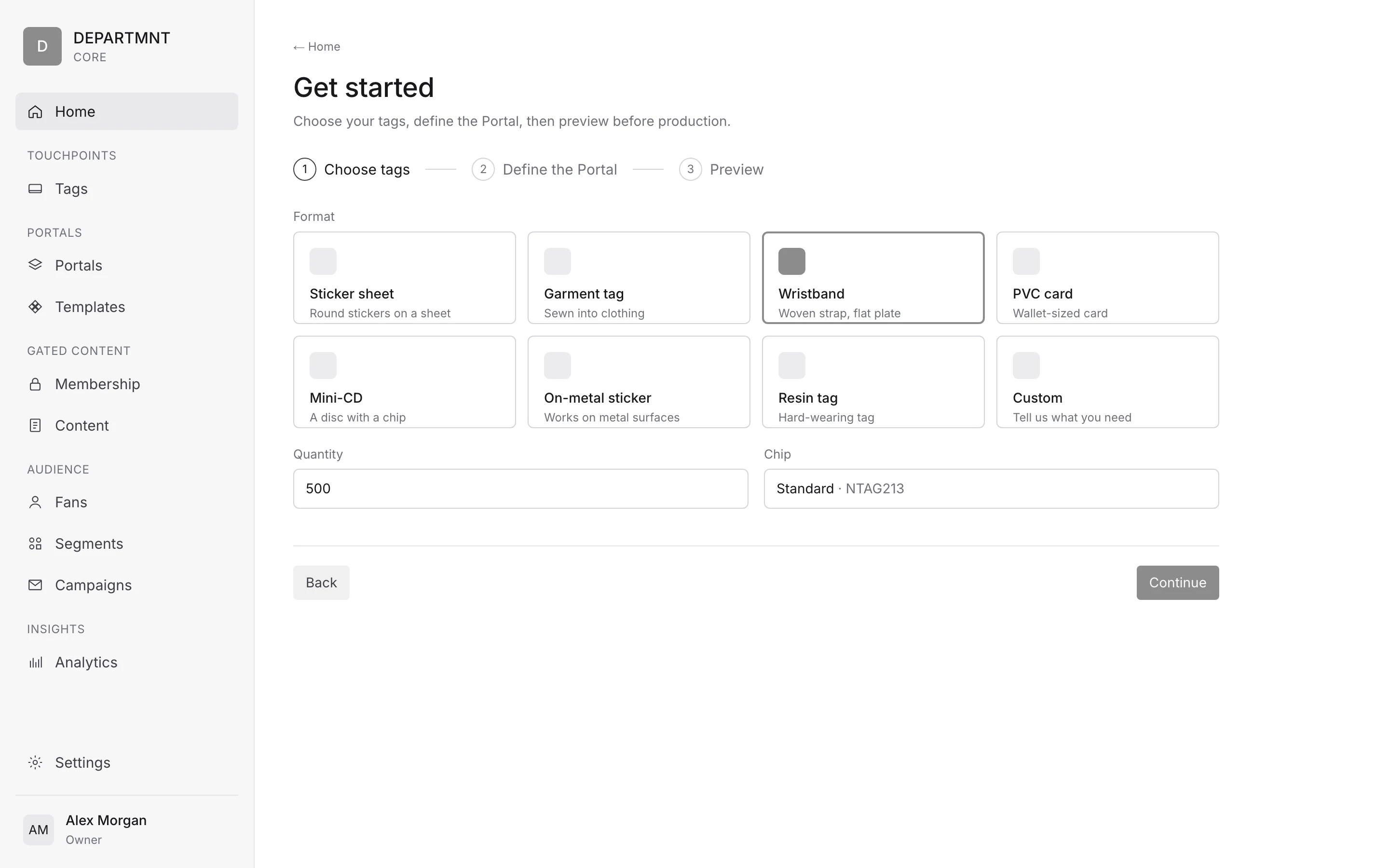
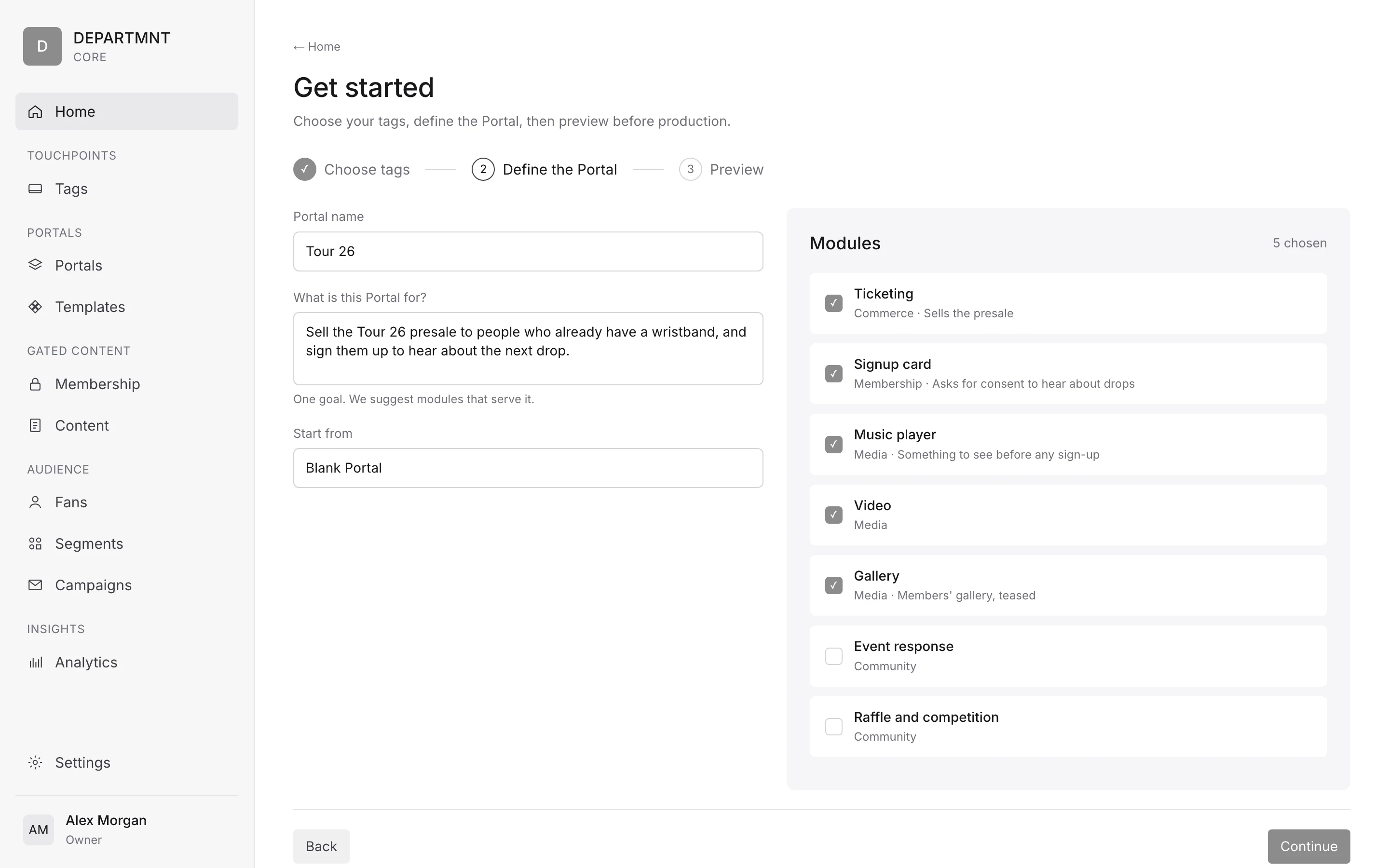
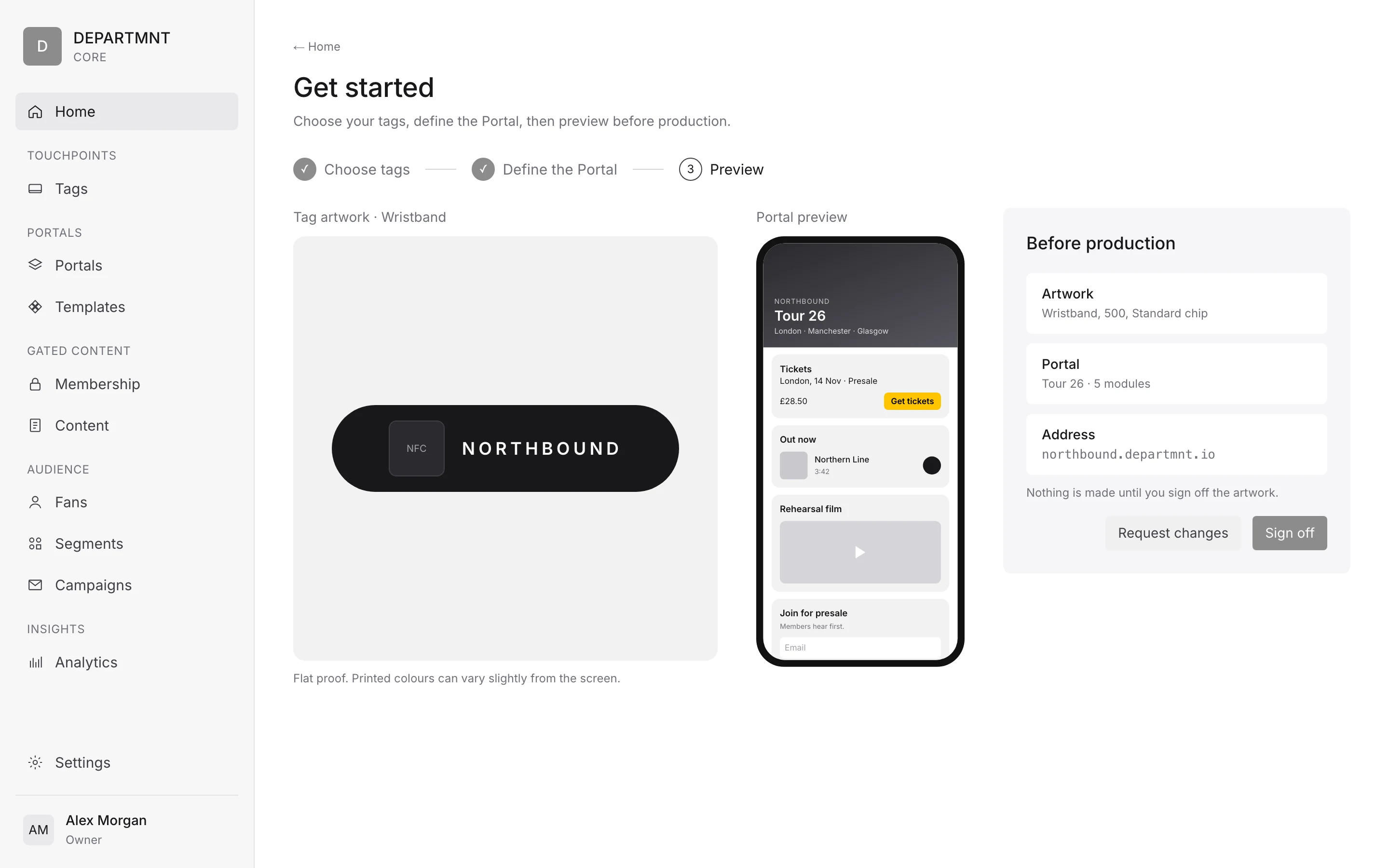
Self serve is a beta for selected Base, Studio and Label clients from Q4 2026, with the full platform going to selected clients in 2027. Every other deployment is managed by DEPARTMNT. Base to Label can run self serve. Agency and Network are account managed: brief, scope, proposal. See How a project runs.
Ordering is moving to an online store: select tags, customise, choose a quantity, order, then configure. Stock lead times run from 1 week to 6 weeks, depending on the format. See Ordering tags.
The hardware sets the pace, so order tags first and design the Portal while they are made. What a tag opens can change right up to the day, and after it.
Three ways to get tags
- Start from
- The standard range
- You choose
- Format, quantity and tag type
- Lead time
- From 1 week for sticker sheets and garment tags
- Start from
- A standard format
- You choose
- Full colour print, finish and tag type
- Lead time
- The format's stock lead time
- Start from
- Your product, garment or note
- You choose
- Scoped with us: engineered with your makers and tested for the material
- Lead time
- Quoted against your brief
Finishes vary by format; each format's spec is on Tags. Bespoke builds so far include a tag in the temple arm of the Genesis eyewear, the Genesys Skin² top and the Mulaa Joans NFC bank note. Both tag types, Standard and Advance, authenticate; see Tags and authentication.
The Portal
The Portal is the fan facing page. It is a modular, no code builder in a feed format:
you stack modules into a feed, and the Portal keeps changing after the tags are in the
field. It is served at [brand].departmnt.io, or on your own domain on Agency and Network.
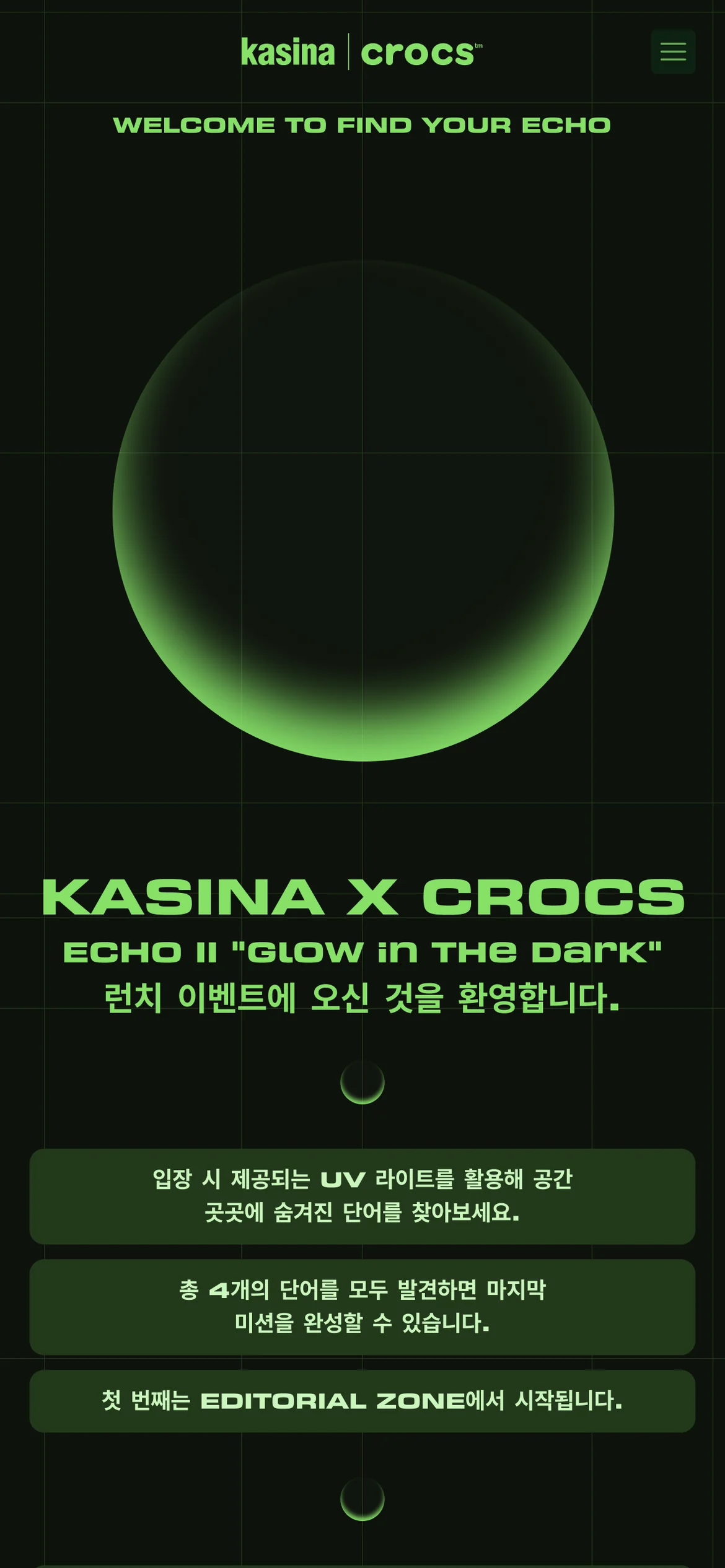
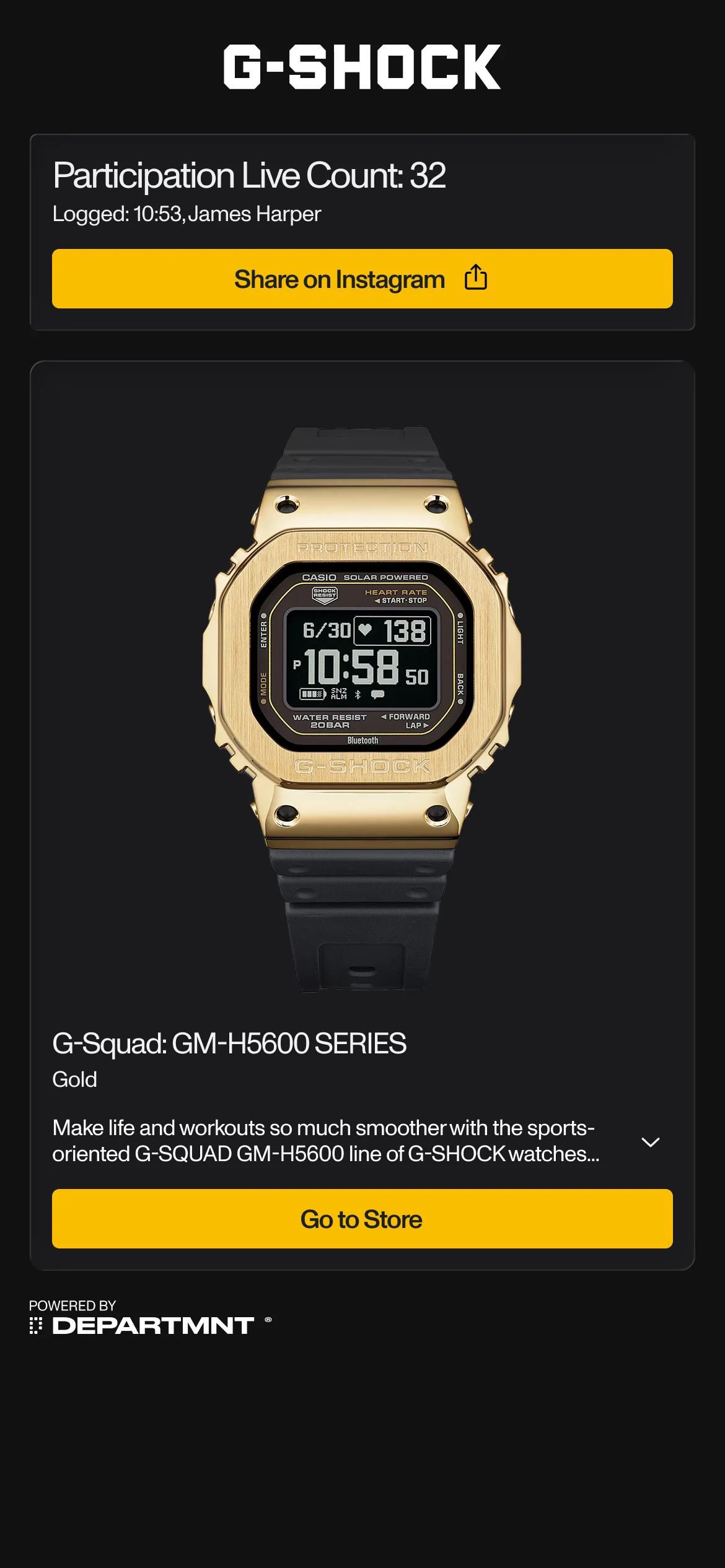
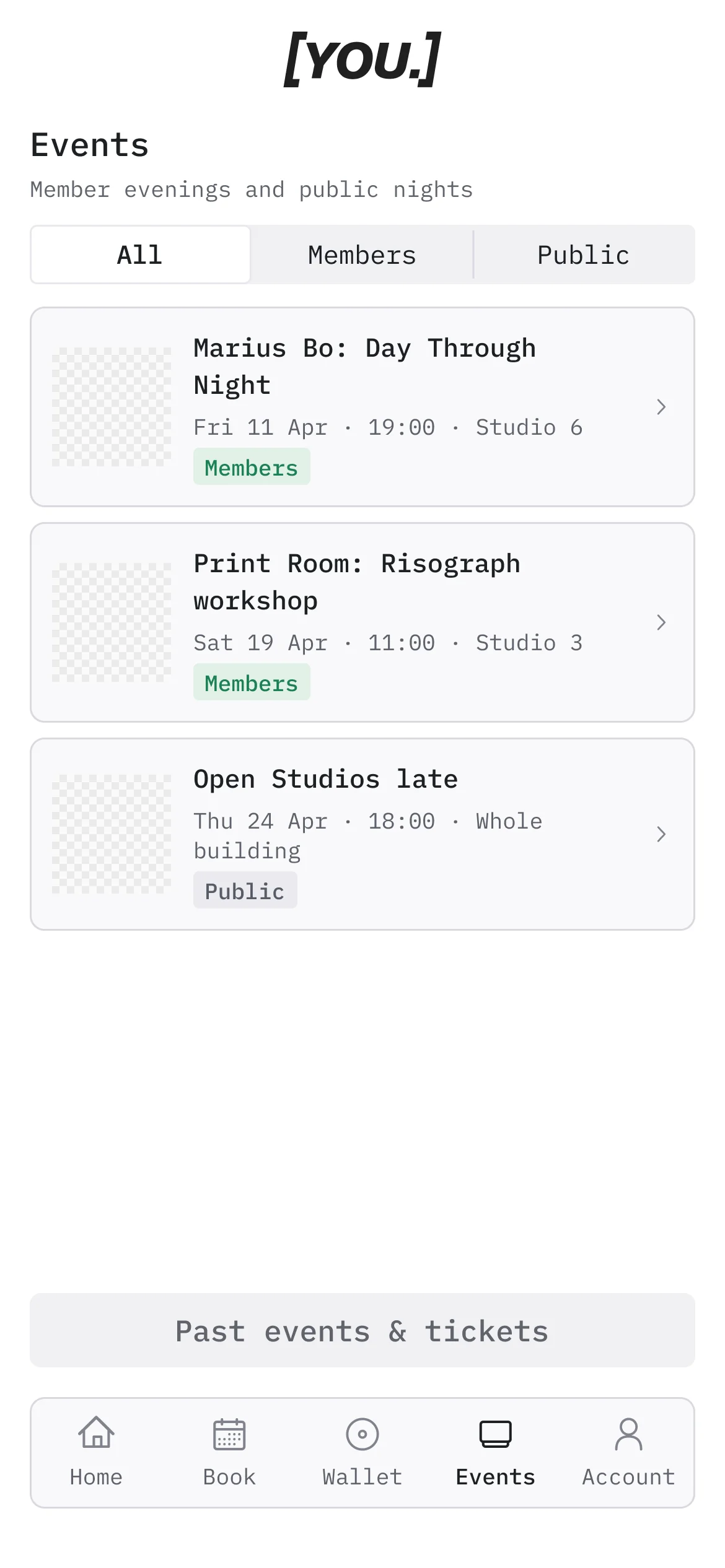
- Screens
- Discovery, Sign Up, Feed and Hub.
- Modules
- Grouped by purpose into Content, Media, Commerce, Membership and Community. Each module is Standard (publishes words, pictures and links) or Advanced (works with Core to sell, check, count and remember). More modules are coming.
- Gating
- Set per module: open, teased (the real content blurred under a gate card) or members only. A Portal can set a default per object type, and any module can override it.
- Theming
- Eleven brand tokens, with a legibility check.
- Push notifications
- Available, as web push with no app.
See Portal and Portal modules.
Core
Core is the client dashboard, served at departmnt.tech. It is where a client onboards, manages tags and runs campaigns. From Core, content, links and experiences are updated over the air without touching the physical product.
Each client has its own organisation, so events, partners and use cases stay separate.
The backend is built. While the Core interface is developed, we run it for clients as a white glove service.
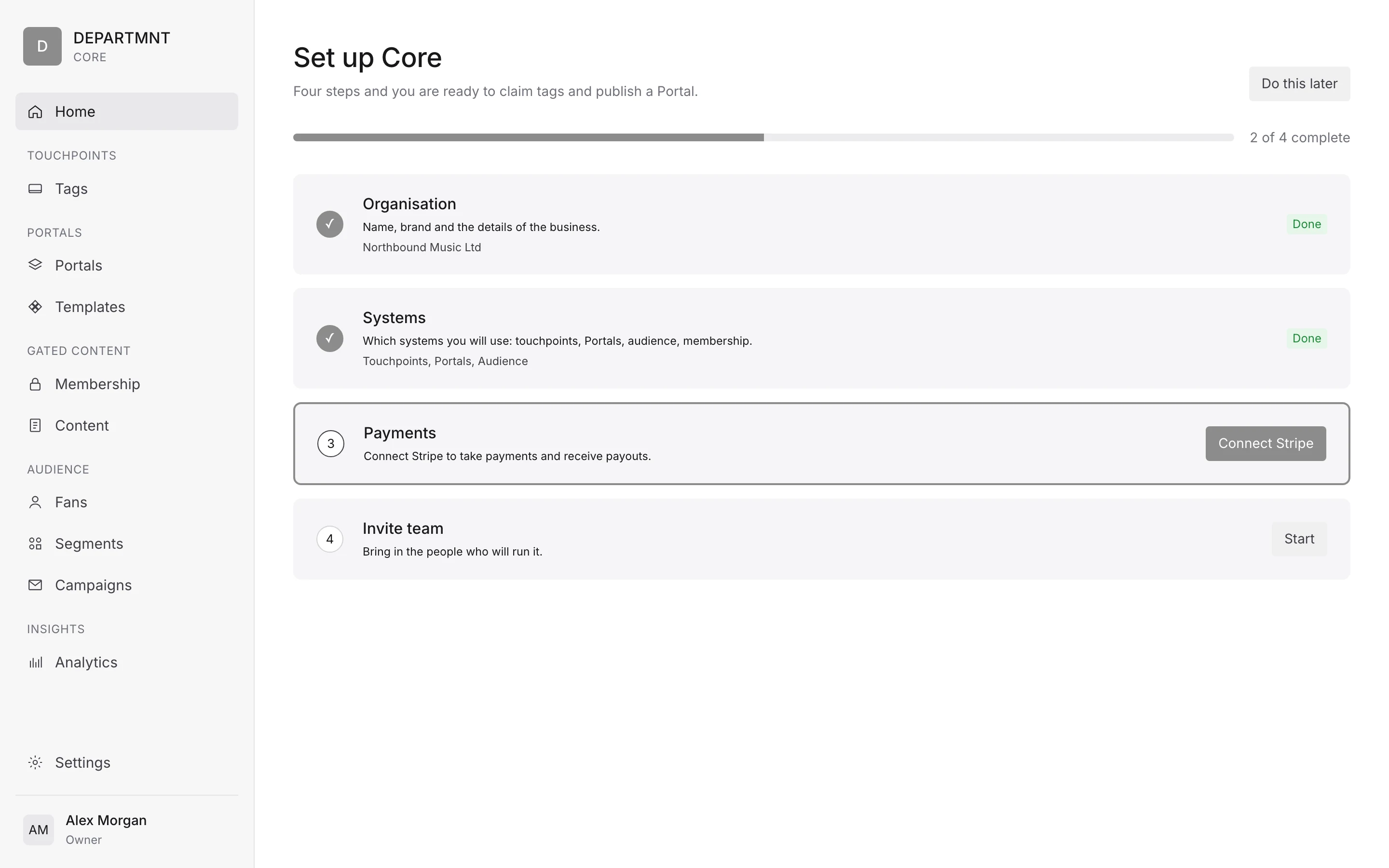
Onboarding
- Organisation
- Systems
- PaymentsStripe Connect onboarding and payouts, embedded in Core.
- Invite teamRoles are owner only in the first version.
Managing tags
Tags arrive in batches. A batch is claimed in Core, then pointed at a Portal. Each tag moves through a lifecycle:
- Manufactured
- Enrolled
- Linked
- Claimed
- Invalidated
Campaigns and the full picture
Core is organised by system: Home, Touchpoints, Portals, Membership, Audience and Insights, with Settings last. Home shows what needs you today. What each system holds is on How Core is organised.
Core has a Fans view with a record per fan. Exports are consent filtered and watermarked. Core has ten modules: Identity, Access, Media, Gamify, Connect, Trigger, Intel, Commerce, Collect and Product. See Core.
What happens on a tap
- TapThe phone reads the tag. No app needed.
- Claim screenThe person claims the object.
- Artefact unlockedThe object is now their Artefact.
- Feed or sign upA remembered device goes to the feed. A new one goes to sign up.
- Profile or feedAfter sign up, their profile or the feed.
- The hubFrom there, the hub.
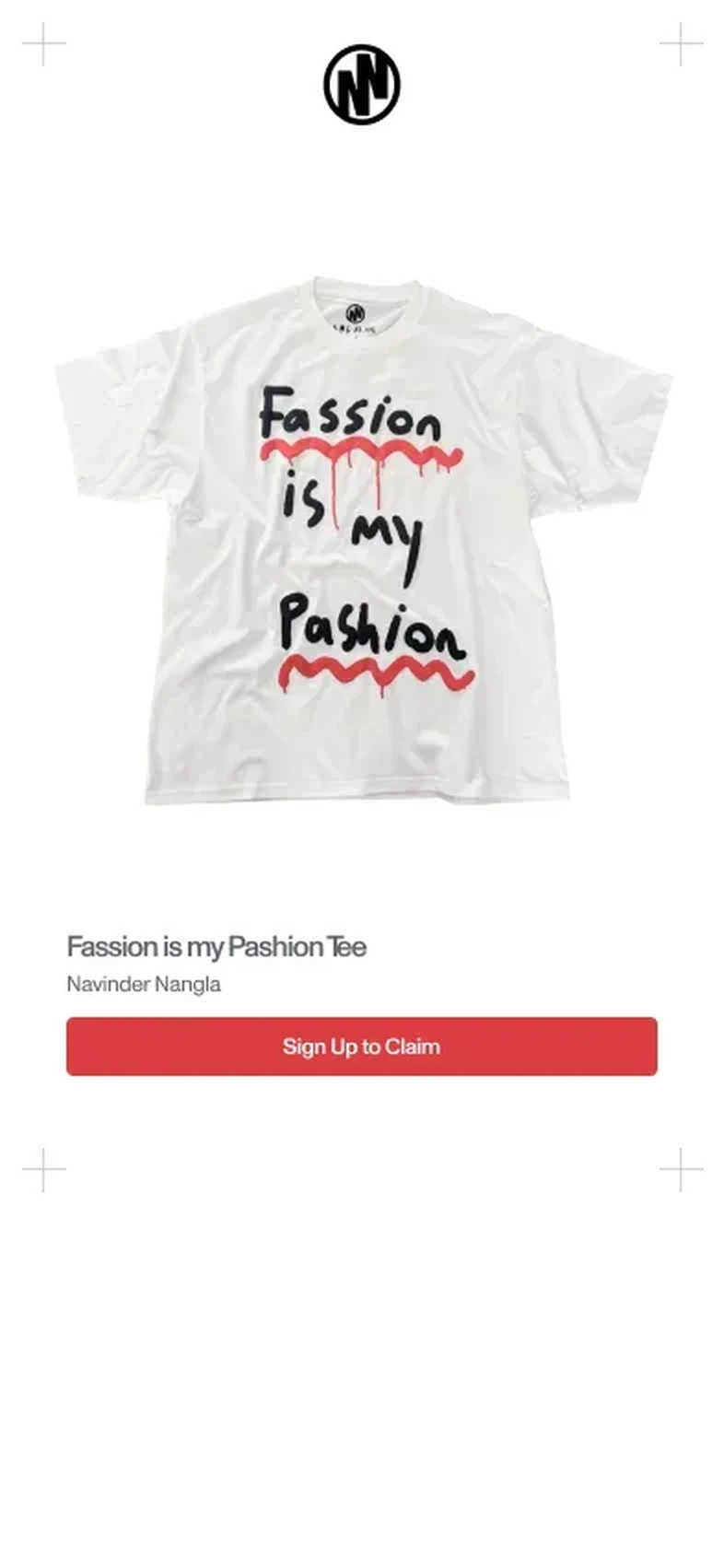
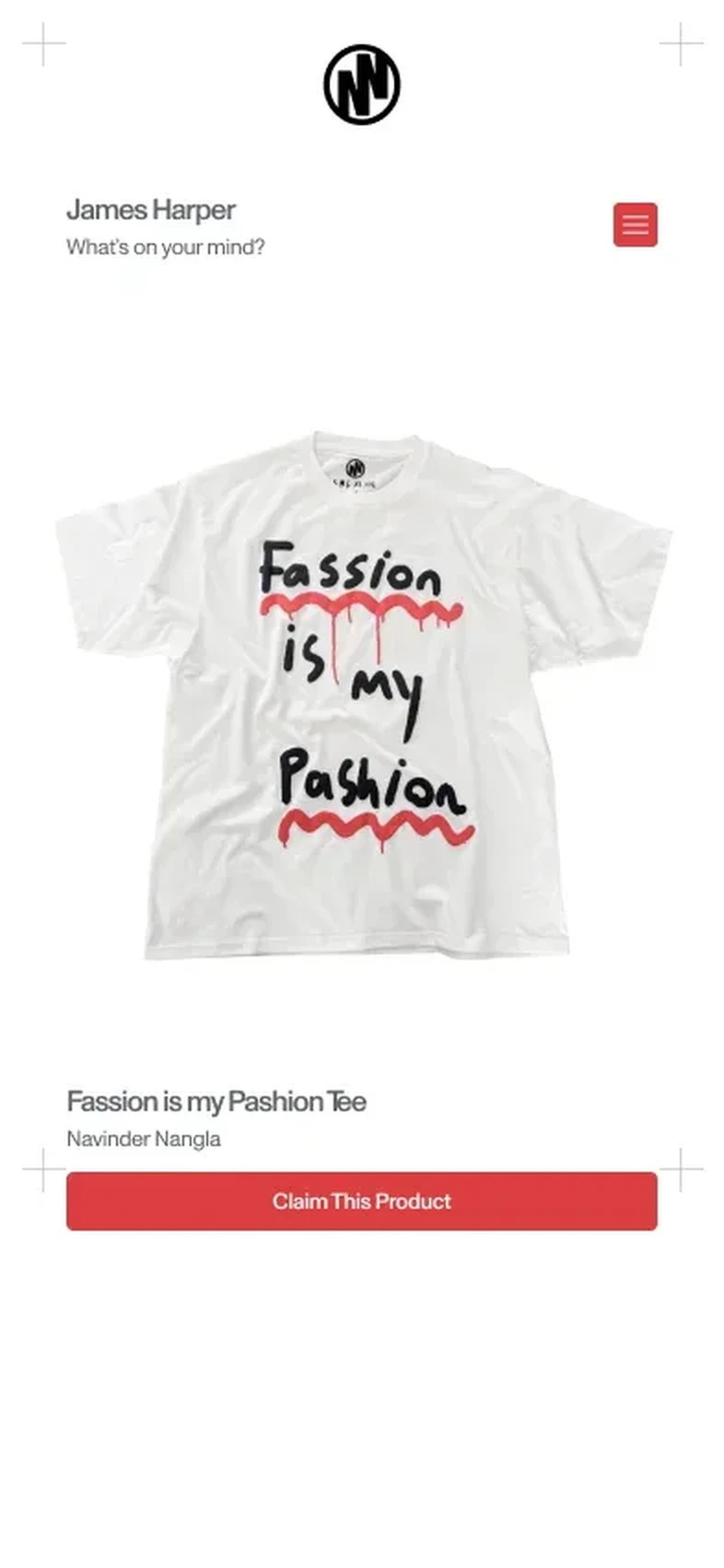
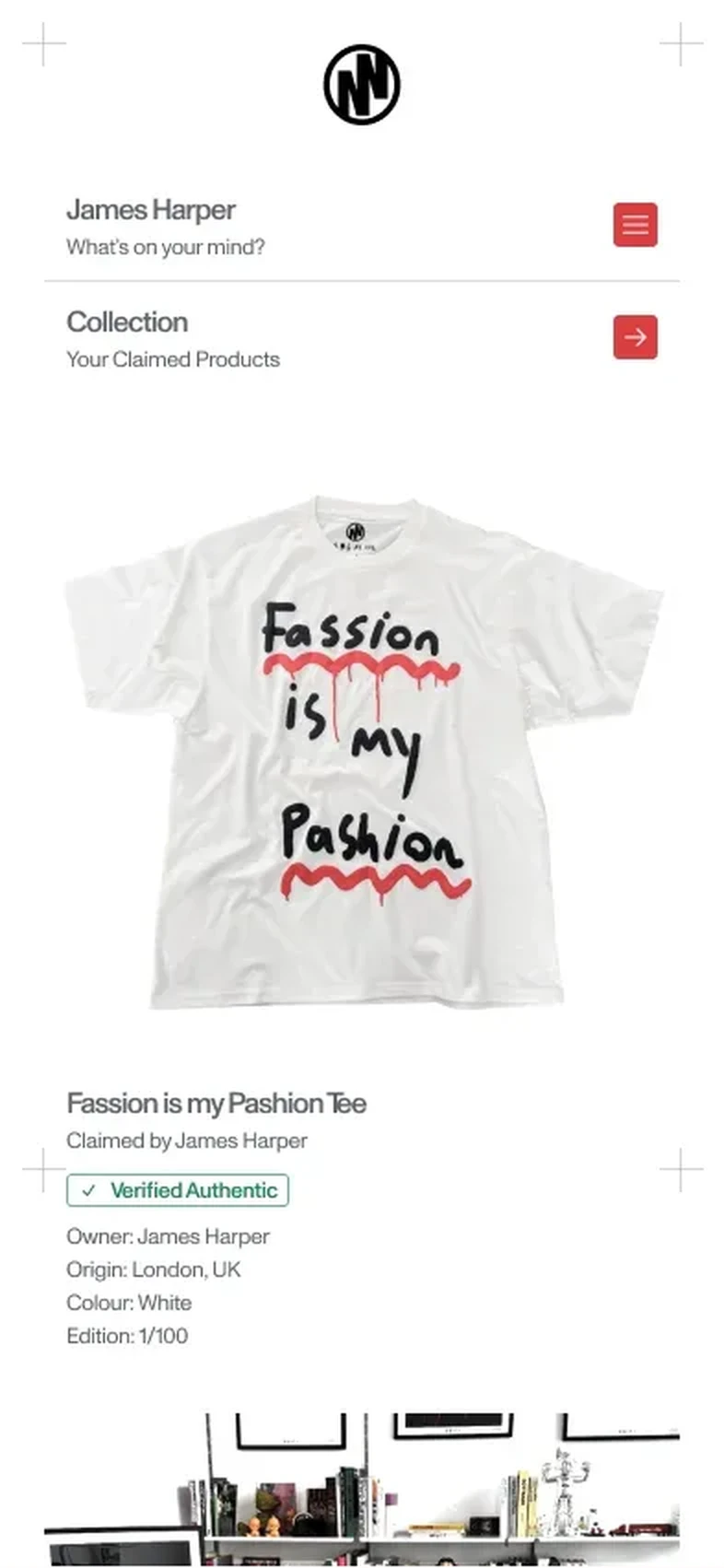
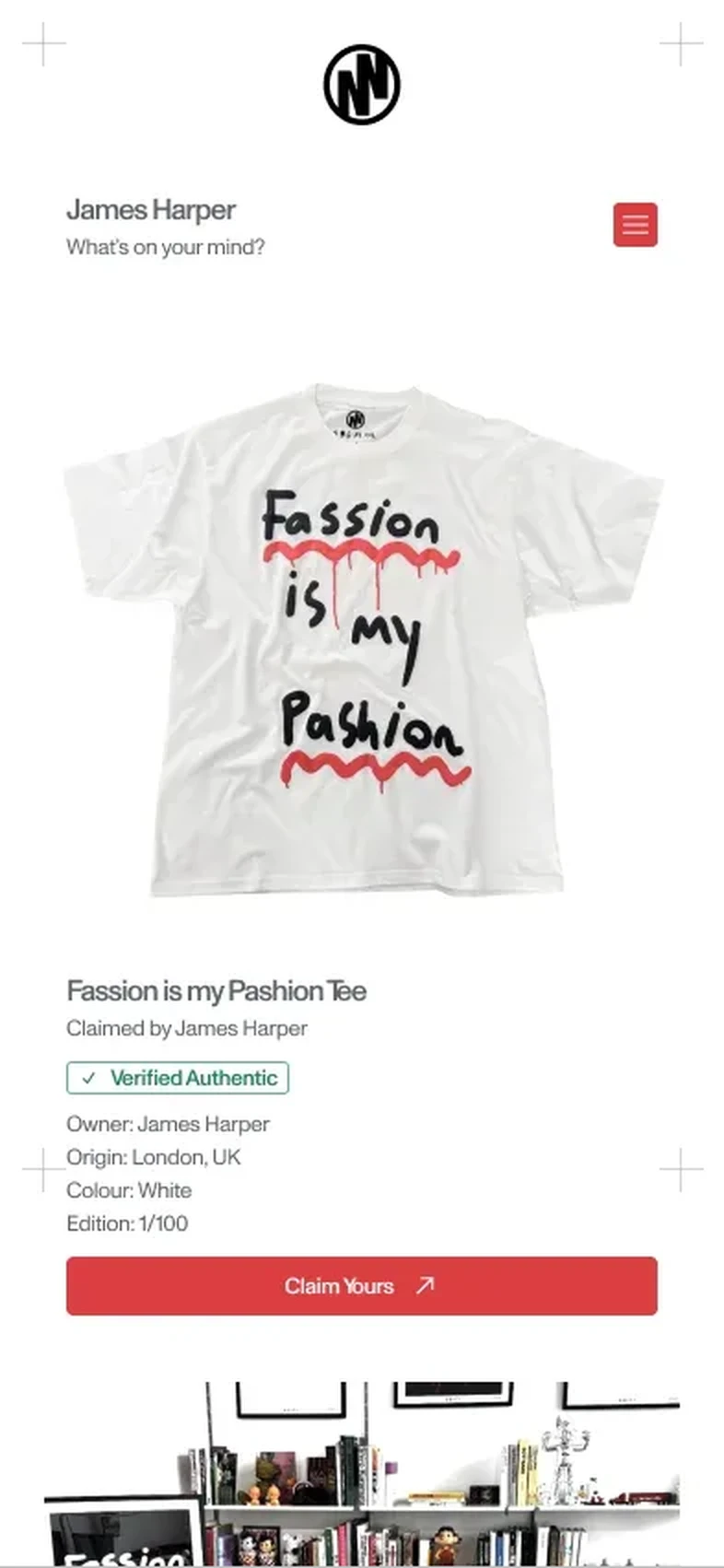
The owner and everyone else. Once someone claims a tag, they are its owner. Their later taps are recognised through consented device trust and unlock the content and every update since. Anyone else who taps a claimed tag sees a limited view, such as a product authentication view showing it is verified authentic.
A person's profile number is their DEPT ID. A returning device is recognised against an existing DEPT ID through consented device trust. A collectible product a person has claimed is an Artefact.
What a tap records
A tap records which tag, when, and the category of device. It is a record of presence, not of a person, until someone chooses to sign up. Giving an email address or making an account is a deliberate act, and the person can ask for that record or ask for it to be deleted.
Every consent is recorded with its purpose, wording version and time, and withdrawal is honoured. See Data and privacy.
What changes
Modelled versus recorded
Most measurement of a physical moment is modelled. TapTech records it. The same questions, answered two ways:
| Question | The usual way | With TapTech |
|---|---|---|
| Attendance | Estimated from ticket scans, door counters or camera footfall | Each arrival is a tap with a time and a place. Counted, not modelled |
| Attribution | Inferred from clicks and last touch models, a step away from the room | A physical moment on the record, joined to what happened next |
| Fraud | Bots, bought followers and shared codes inflate the numbers | A tap needs a phone at the tag. Every tag authenticates, and Advance tags add encrypted authentication on every tap |
| Consent | Buried in terms nobody reads, or assumed from a scan | A deliberate act, asked for in plain words and recorded with its purpose |
| Ownership | The platform keeps the audience and rents it back as ads | The brand controls its records, with export and deletion on request |
| Friction | Download the app, make an account, then take part | The page opens in the browser. No app |
Value over time
Every moment adds to the same record, so the system is worth more the longer it runs.
| When | What is running | What you can see |
|---|---|---|
| The first moment | One format, one Portal, one launch | Who showed up, where they went, and how many said yes to hearing from you |
| Six months in | Several moments on the same record | Who came back, journeys that change by visit, and regulars you can build a list from |
| Two years in | Products, places and partners on one system | An audience you own. Every launch starts with people who already said yes, and every partner gets a measurement pack |
Options and limits
Without a tag
The same Portal works from a link, a poster, a story or an email. Tap on a link or tap on a tag: either gets someone there.
For mass distribution, a QR code or a link is the better tool and cheaper. A tap needs physical proximity to a specific object, which is what makes it proof of presence rather than proof of interest.
So a Portal can start before any tags are made, and keep going in places tags cannot reach. What only a tag gives you is the record that someone was there, with that object.
Without a Portal
A tag works without a Portal. Tags can be programmed to open anything: a website, a playlist, a form. The Portal unlocks the full journey, from claim to sign up to the feed, and the full picture in Core.
A tag pointed at an outside page still counts its taps, but the person leaves your property on the first tap, and nothing about what they do next comes back.
Repoint without reprinting
Tags can be repointed without reprinting. A tag stays live and stays updatable, so pointing tags at the next drop is a database change rather than a print run. On one deployment, page views were still landing four months after the activation ended.
The constraint: tags already in the field are encoded against a specific host and cannot move to another.