Solutions
The six solutions, each with what it does, its features and modules, the outcomes, its lead format and its reference clients.
TapTech comes as six solutions, each a starting point built around the format that usually leads it. This page sets out each one, with its features, modules, formats and reference clients, to help you find where your project starts. All six share the same tags, Portal and Core, so most real projects borrow from two.
Figures were verified on 21 August 2026. No sales outcome is attributed to a tap. Full case studies are on the DEPARTMNT website.
| Solution | For | Lead format | Reference clients |
|---|---|---|---|
| Creator | Artists, labels and creators | Garment tag | H.LLS, Mulaa Joans |
| Events | Promoters and venues | Wristband | Genesys |
| Experiential | Brand activations and culture hosts | On metal sticker | Who Eats Art × G-Shock |
| Retail | Stores, pop ups and launches | Sticker sheet | Kasina × Crocs, Navinder Nangla |
| Membership | Clubs, studios and members' spaces | Card | YOU Studio |
| Product | Products that leave the shop | Resin tag | Rough Cut; Genesis Collection with E Gucewicz |
Creator
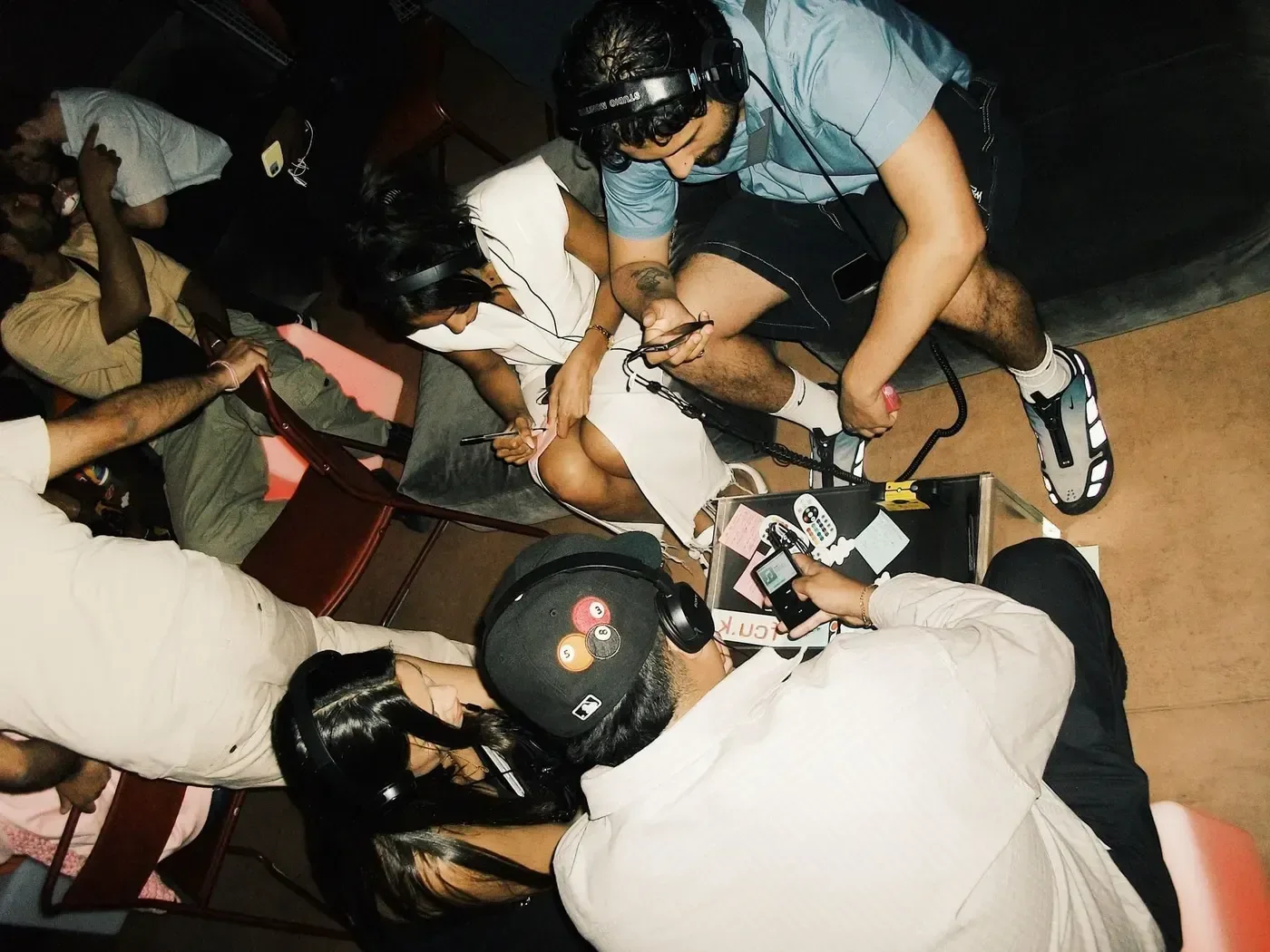
Followers are rented. The room is yours. Put a tag on the merch, the record and the flyer, and everyone who taps lands on a page you own rather than a feed you rent.
A drop can reach half a million people and still leave you not knowing who bought the shirt, who came to the show or who would come again. The platform knows, and sells it back to you as ads. Creator gives an artist one hub, built underneath the channels rather than replacing them.
Questions you cannot answer today
- Who bought the shirt?
- Who came to the show?
- Who would come again?
Key features
- An artist Portal: an owned destination for fans, at
[brand].departmnt.io. - A media vault and demo unlocks: music and video that open on a tap.
- Fan accounts with a DEPT ID, and consented sign up.
- RSVPs and guest lists for listening events and shows.
- Stickers as an acquisition channel, handed out at the show.
- OCC, in beta for select clients, as a bolt on at Label and above. See Tags and authentication.
Modules
- Portal: Music player, Video, Gallery, Event response, Signup card, Page Lock, Push notifications, Share card.
- Core: Identity, Media, Connect, Intel.
A journey you could run. Launch a release: a record, a drop or a tour, with the fans who turn up kept. A tap walks people through five screens, each built from modules you can change.
- DiscoverMusic player, Content, Links and socials
- JoinProfile
- ListenMusic player, Video, Notifications
- HubProfile, Collection, Event response
- VaultPage Lock, File download
Core views you would use. Audience by place, repeat fans and release performance. See Core.
Outcomes
Own fan relationships, rely less on platform algorithms, and see who interacted with which physical drop or show. Fans come back for the next drop and the next show.
Formats
Lead format: Garment tag, in the merch and still there months after the show. Also Sticker sheets, handed out at the show, and Mini CDs, a physical release for music that only streams.
Pairings. Mini CDs and the Music player for an exclusive weekly mix. Sticker sheets and community chat for a presence validated chatroom, with Fan Voice.
Reference clients
H.LLS. An audience scattered across platforms, and nowhere the artist controlled. Read the H.LLS case study.
- 3,444people reached on owned propertyUnique visitors across 4,419 sessionsH.LLS
- 204accounts createdH.LLS
- 71%marketing consentH.LLS
Mulaa Joans. A hundred stickers, nine days, no paid media. Read the Mulaa Joans case study.
- 51%of all sessions arrived from a physical tapMulaa Joans
- 86%signup step completionMulaa Joans
Events
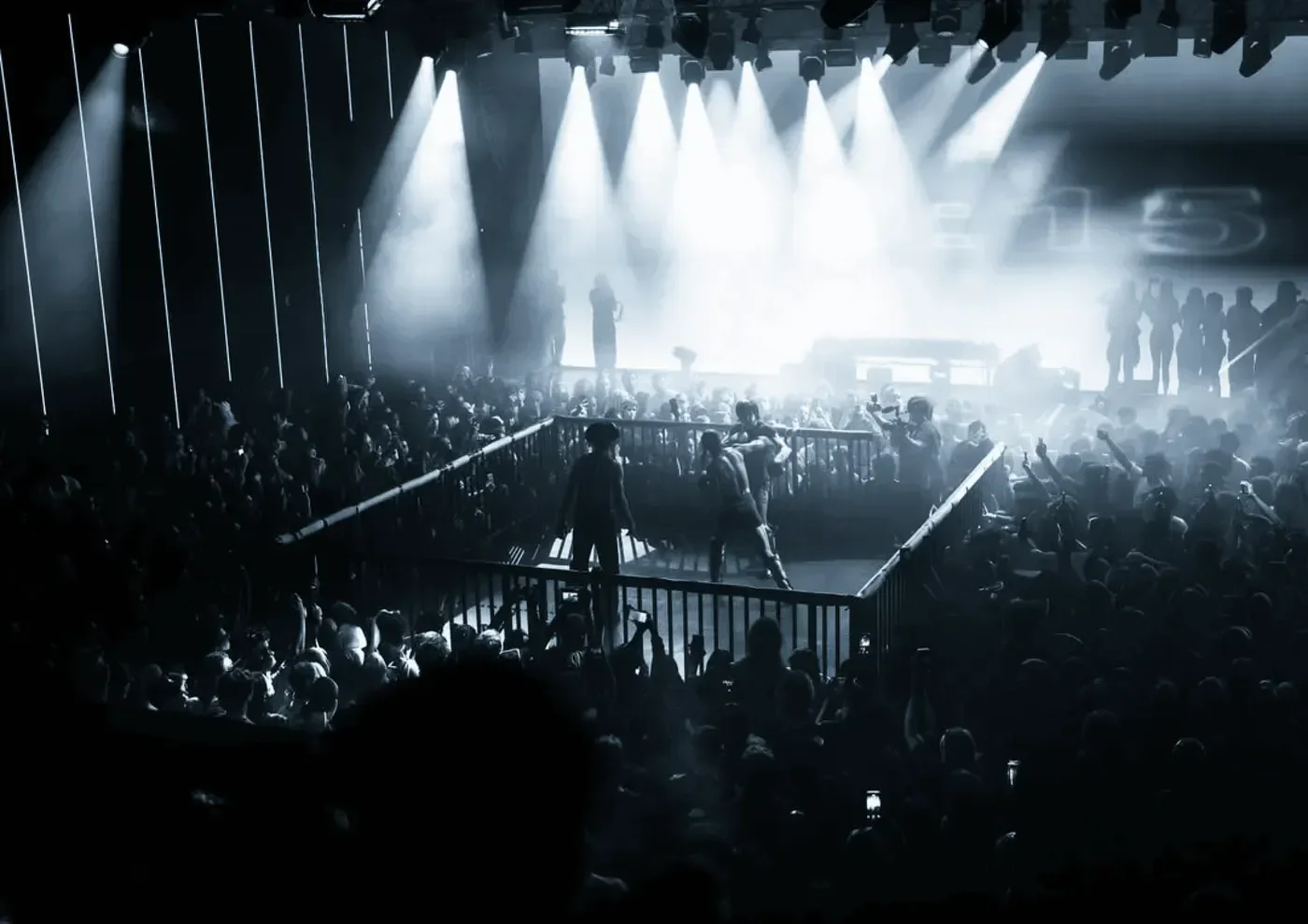
You sold every ticket. You met nobody. The band on the wrist is already there. Put the tag in it and the gate becomes the record.
One person books four tickets and three strangers walk through your gate. Resale moves half the room again, and the guest list is a spreadsheet somebody prints.
Ticketing tells you what sold. Events runs ticket sales, the door and what happens after it on one system.
Questions you cannot answer today
- Who actually walked in?
- Who resold their ticket?
- Who came to the last three?
Key features
- Ticket sales with phased pricing, where sale status is worked out at read time so a phase cannot go stale.
- Anti touting bound to a person rather than an order: organisers set a per buyer cap, counted across account and payment method. A cap is not an automated purchase ban.
- Guest lists, comps and presale codes.
- A door that works offline. The door credential is signed and checked without a network, so a screenshot stops working in about a minute.
- One scan per ticket, enforced at the database once scans reach it. Offline, each device flags a ticket it has already scanned for staff to check, and a repeat on a second device is detected when the devices sync.
- Reentry uses wristbands by design. A human decides at the door. We never automatically refuse.
- Post event content on the same wristband.
The door rules are on Core Access.
Modules
A typical wristband build uses Ticketing, Video, Gallery (carousel) and Music player. In Core: Access, Commerce, Identity and Intel.
A journey you could run. Run an event or a series: tickets, the door and the night. A tap walks people through five screens, each built from modules you can change.
- DiscoverContent, Ticketing
- TicketTicketing, Profile
- EntryTicketing
- On the nightEvent response, Fan Voice community chat, Gallery
- AfterGallery, Notifications, Event response
Core views you would use. The door view, sales by phase and repeat attendance. See Core.
Outcomes
Entry tied to a real person rather than an email receipt. Verified attendance. Attendees who become an ongoing community, not a one night list.
Formats
Lead format: Wristband, worn on arrival and read at every point after it. Also Cards, a pass for the people who come every season, and On metal stickers for the bar, the stage and the door.
Pairings. Smart wristband ticket: wristbands with purchasable drink tokens.
Reference client
Genesys. A ticketed night, end to end, run with no booking fee to fans. Read the Genesys case study.
- 1,145people through the door in one night59 repeat scans held for staff to check, and no false rejections recordedGenesys
- 426admits an hour at peakGenesys
- £27,341of ticket revenue processedGenesys
- 86%of tickets sold were scanned inGenesys
Experiential
Everyone loved the activation. Nobody can prove it. Put a tag at every moment of the build, and the room reports how it was actually walked rather than how the photographs make it look.
A brand funds the build and gets a recap film and a footfall estimate back. It looks good in the deck, and it answers none of the questions the next budget meeting will ask. Experiential runs on the host and partner pattern: the host owns the audience, the brand partner funds the activation, and the partner receives a measurement pack.
Questions you cannot answer today
- How was the room walked?
- Which moment held people?
- Who did the partner actually reach?
Key features
- A tag at every moment of the build, one per zone, so the floor plan becomes a record.
- Missions, points and stamps, multistep quests and reward unlocks.
- Voting, raffles and forms at the touchpoint.
- A measurement pack for the brand partner.
- Tags that stay live after the activation, ready to be repointed.
Modules
- Portal: Raffle and competition, Signup card, Content, Gallery, Share card.
- Core: Gamify, Trigger, Connect, Intel.
A journey you could run. Run an activation: a room, an installation or a hunt, and proof of who came. A tap walks people through five screens, each built from modules you can change.
- ArriveContent, Page Lock
- JoinProfile
- ExploreCollection, Notifications
- ShareLinks and socials, Gallery
- RecapGallery, File download
Core views you would use. Zones, completion and the partner pack. See Core.
Outcomes
A brand partner gets a measurable placement instead of photographs. The host keeps the audience. Page views kept landing four months after one activation ended.
Formats
Lead format: On metal sticker, on the fixtures, where a sticker would do nothing. Also Resin tags, bonded to the build and fine outdoors, and Sticker sheets, one per zone.
Pairings. Venue activation tag: on metal stickers with voting logic, for who is interacting with a pop up. Citywide guest list scavenger hunt: resin tags with a form, for who is a high intent customer.
Reference client
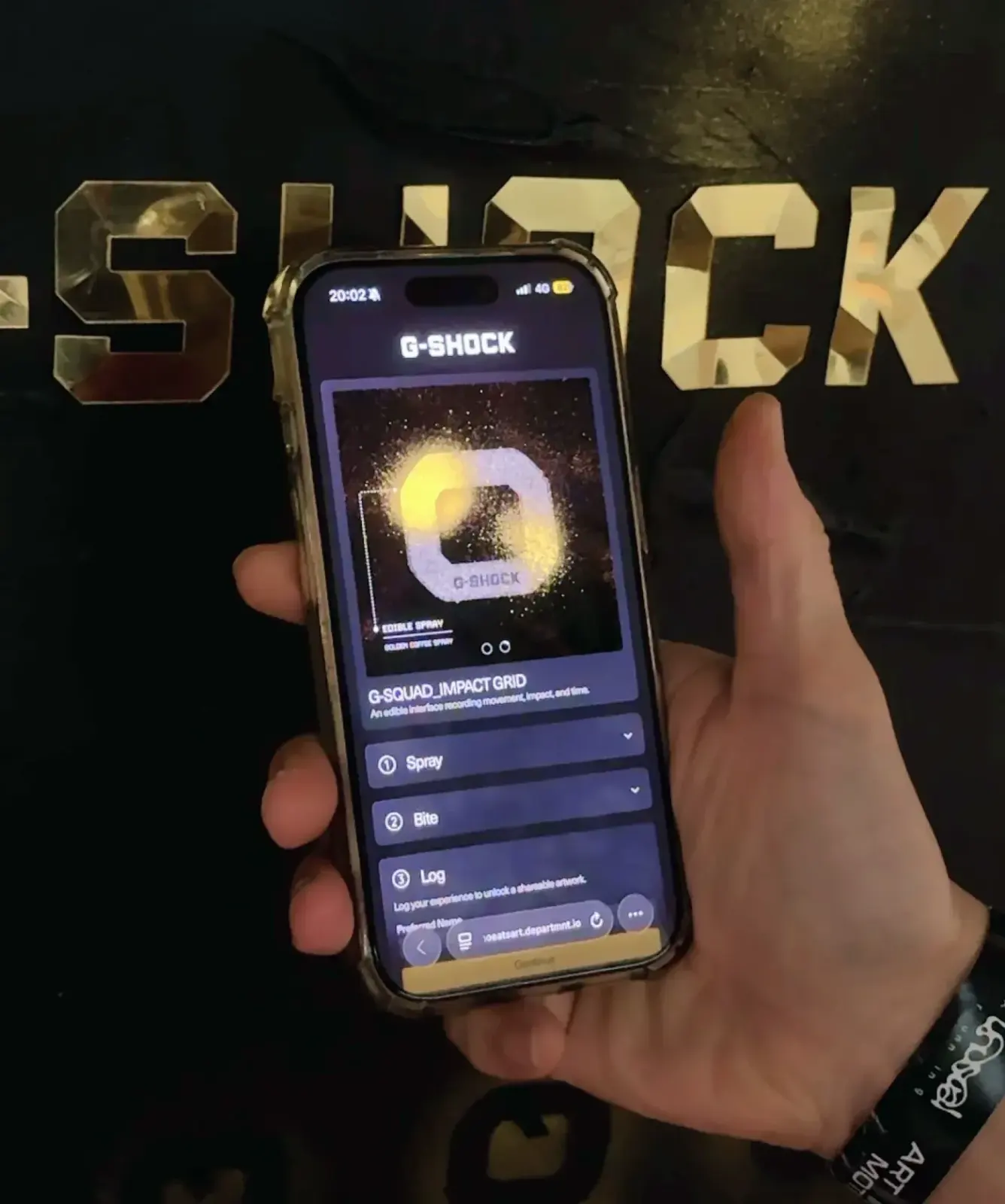
Who Eats Art × G-Shock. Eleven tags, and a route into a global brand through a culture host. Read the Who Eats Art × G-Shock case study.
- 7.6taps per tag84 taps across 11 tags: the densest engagement per unit of hardware on the estateWho Eats Art × G-Shock
- 10 of 11tags deployed were tappedWho Eats Art × G-Shock
Retail
A queue down the street. Nothing to show for it on Monday. You already build the physical half of retail. A tag at the door and one per zone turns a launch into something you can measure and keep.
A brand partner funding an activation currently receives photographs and a footfall estimate, which makes it a marketing cost rather than a measurable placement. The counter counts bodies. Retail counts the people who chose to take part.
Questions you cannot answer today
- Who chose to take part?
- Which part of the floor worked?
- Who should you invite to the next launch?
Key features
- A trail of touchpoints across the floor, with a mission or clue at each.
- Registration at the tag: a first page that rewards the tap, then a name and an email.
- Raffles and entries from a garment tag, with no staff needed.
- Product claim, so what was bought leaves the shop connected.
- A bilingual dashboard for the store team.
Modules
- Portal: Signup card, Raffle and competition, Product and DPP, Content, Gallery.
- Core: Gamify, Connect, Identity, Intel.
A journey you could run. Launch in store: a product in a store or a window, and who came to see it. A tap walks people through five screens, each built from modules you can change.
- DiscoverContent, Product and DPP
- JoinProfile
- The productProduct and DPP, Video
- CollectCollection, Page Lock
- ShareLinks and socials, Notifications
Core views you would use. Zones, sign ups by day and consent. See Core.
Outcomes
A launch becomes an audience you keep, not a queue that goes home. The gate converts rather than repels: marketing consent lands in the same band across retail floors and garment tags.
Formats
Lead format: Sticker sheet, one per zone and on the packaging. Also On metal stickers, on the shelf edge and the fridge, and Garment tags, which leave the shop attached to what was bought.
Pairings. Smart in store touchpoint: resin tags with a raffle form, for who is coming into the store.
Reference clients
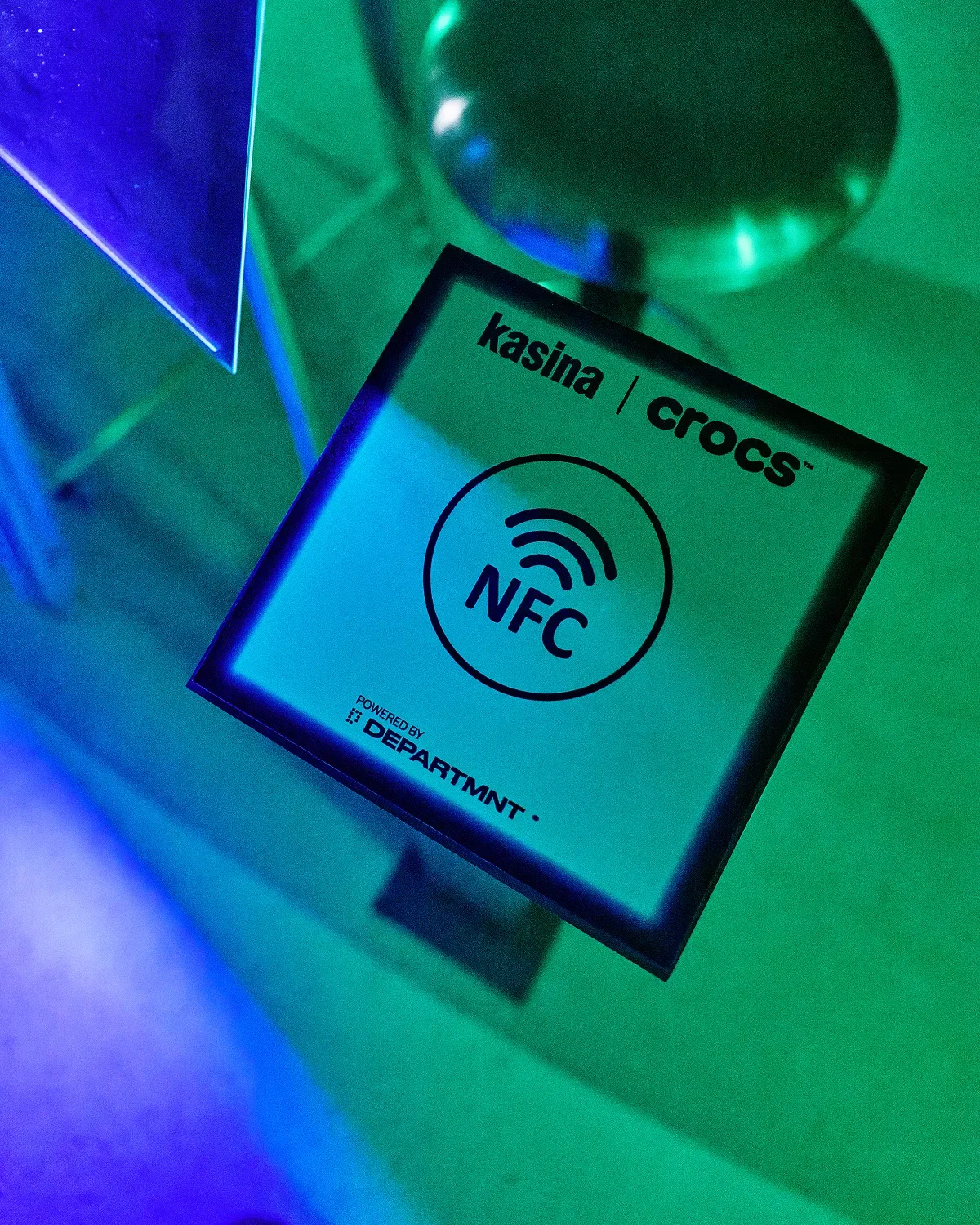
Kasina × Crocs, Seoul. Find Your Echo: a store lit in UV, four zones, and a trail that moved people across the whole floor. Built in 27 days. Read the Kasina × Crocs case study.
- 74%of taps became a registrationKasina × Crocs
- 94.9%journey completion once engagedKasina × Crocs
- 298unique visitors1,031 taps across five touchpointsKasina × Crocs
- 51.1%marketing consentKasina × Crocs
Navinder Nangla. A garment tag with nobody standing next to it: no event, no venue, no staff. Read the Navinder Nangla case study.
- 41%garment tag entry, with no staff present77 raffle entries from 187 tapsNavinder Nangla
- 49%marketing consentNavinder Nangla
How each number is defined is on Reporting.
Membership
Your members carry a card. It should open more than the door. One card for the door and the diary, so membership is something people use every visit rather than a direct debit they forget.
Most memberships are a payment and a list. Who came this month, who stopped coming and who brings friends are guesses, and the first sign somebody has drifted is the cancellation. Membership puts applications, plans, credits, bookings and the door on one data model instead of four spreadsheets.

Questions you cannot answer today
- Who came this month?
- Who stopped coming?
- Who brings friends?
Key features
- Applications.
- Plans with entitlements.
- Credits: a balance, packs, top up and history.
- Bookable spaces on one calendar, where a double booking cannot happen.
- Door access with Membership cards.
- A members' area, including members' galleries.
Modules
- Portal: Membership tiers, Credits, Studio booking, Signup card, Profile, Page Lock, Physical ordering.
- Core: Identity, Access, Commerce, Connect.
A journey you could run. Run a membership: a club, a studio or a community, with every member on one record. A tap walks people through five screens, each built from modules you can change.
- ApplyContent, Membership tiers
- JoinProfile, Membership tiers
- HomeNotifications, Event response, Fan Voice community chat
- BookStudio booking, Credits
- PeopleFan Voice member directory and group chats
Core views you would use. Members, bookings and visits. See Core.
Outcomes
Membership becomes something people use every visit. The club sees who shows up, not only who pays.
Formats
Lead format: Card, which opens the door. Metal cards are available too. Also Wristbands, for the nights you run inside the club, and Resin tags, fixed at the door of every room members book.
Pairings. Members only early drop access: cards with Page Lock.
Reference client
YOU Studio. A members' club as one system: applications, memberships, credits, six bookable spaces on one calendar, and door access. The club is built and tested, and is not yet trading. No figures yet. Read the YOU Studio case study.
Product
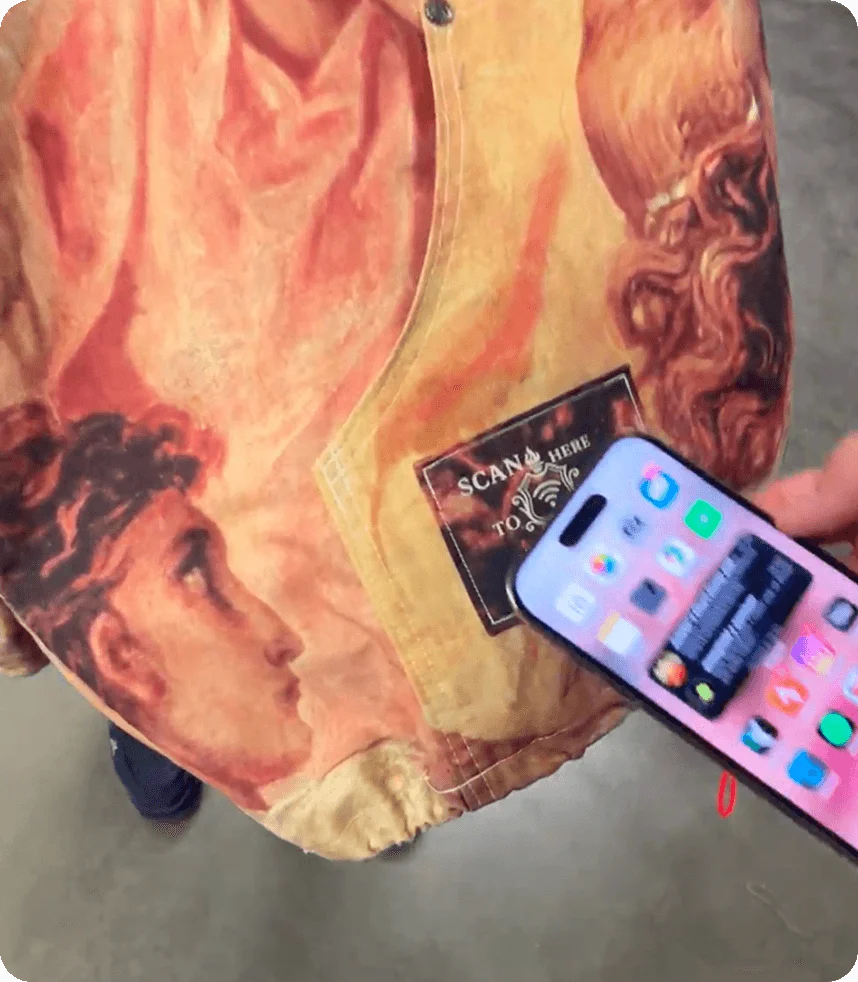
The sale is the last time you hear from most products. A tag in the product is a channel that leaves the shop with it: proof it is real, a page for whoever owns it, and a way back to you months later.
Once something is sold it changes hands, gets resold and gets copied, and none of that comes back to the brand that made it. A listing photograph is the only proof it is real. Product links ownership to a real person, so a brand knows who owns what, not just what was sold.
Questions you cannot answer today
- Who owns it now?
- Is it real?
- How do you reach them after the sale?
Key features
- A claim flow: the first person to claim a product becomes its owner, and it becomes their Artefact.
- Authentication and provenance. The owner unlocks the content. Anyone else who taps sees a limited authentication view.
- Unlocks after the purchase: content, drops and services for owners.
- Product Passports (DPP-ready), in beta for select clients. Like OCC, they use the Advance tag: see Tags and authentication.
- Collection view, a browsable gallery of owned products, in beta for select clients.
Modules
- Portal: Product and DPP, Collection, Content, Video.
- Core: Product, Identity, Collect, Trigger.
A journey you could run. Connect a product: a garment or an object that proves itself and knows its owner. A tap walks people through five screens, each built from modules you can change.
- VerifyProduct and DPP
- ClaimProfile
- The storyContent, Video
- CareFile download, Notifications
- CollectionCollection, Page Lock
Core views you would use. Claims, entries and owners. See Core.
Outcomes
Owners become long term community members. Post purchase engagement and resale taps come back to the brand. This is identity, access and engagement, not only anticounterfeit technology.
Formats
Lead format: Resin tag, bonded to the object so the two cannot be separated. Also Garment tags, sewn in, and Sticker sheets, on the swing tag, the box or the shipper. A tag can also be built into the product itself.
Pairings. Product owner exclusive: garment tags with the Product module.
Reference clients
Rough Cut. A Bournemouth studio making one off garments for artists and brands, in a pilot from September 2025. Ten garments, each with a 29 mm garment tag sewn into the patch, so the hardware sits where the label already does. A tap opens that garment's own page: where it was made, how and why. A page can gain chapters after the piece is sold. No tap figures yet. Read the Rough Cut case study.
Genesis Collection with E Gucewicz. A proof of concept with a London eyewear atelier. It never went to production and was never sold. Its casing became the TapTech hardware standard, and testing showed people wanted access more than verification. More on Tags and authentication and in the Genesis case study.