Tags and authentication
How a tap is checked, the Standard and Advance tags, what a tag stores, and Product Passports (DPP-ready) and OCC.
Every tag authenticates. When a phone touches a tag, the tag answers, DEPARTMNT checks the answer, and only then does the Portal open. This page explains that check, the two tag tiers, what a tag holds, and the two capabilities built on the Advance tag: Product Passports (DPP-ready) and OCC.
How a tap is checked
- TapA phone touches the tag. There is no app to install.
- Tag respondsThe tag sends its UXID and its link. An Advance tag adds a new encrypted code on every tap.
- Server checksDEPARTMNT checks that the tag is genuine and still active.
- Portal opens or refusesA genuine, active tag opens the Portal. A tag that fails the check, or has been disabled in Core, does not.
The Portal uses tap restricted links. They open from a tap, not from a copied and pasted link. A lost or damaged tag can be disabled remotely in Core. It stops working, and your customer data stays secure.
This is why a tap can stand as proof that someone was there with the object. A screenshot of a link, or a photograph of a tag, does not pass the check.
Standard and Advance tags
Tags come in two tiers, both made by NXP. Both authenticate, and every standard format takes either one.
- Authentication
- The tag's UXID, checked against DEPARTMNT's authentication system
- Each tap
- The same UXID and link
- Tokenised ownership
- No
- Used for
- Access, content and campaigns
- Authentication
- The UXID, plus a cryptographic check on every tap
- Each tap
- A new encrypted code. Cannot be cloned, and cannot be overwritten once locked
- Tokenised ownership
- Yes
- Used for
- Product Passports (DPP-ready), OCC and ownership claims
Choose Advance when the tag has to prove that the object itself is genuine: high value products, ownership claims, Product Passports (DPP-ready) and OCC.
The tag options for each format are in its spec table on Tags.
What a tag stores
A tag stores its UXID, the tag's number, and a link. It never stores personal data.
When a tag is tapped, the record is which tag, when, and the category of device. It is a record of presence, not of a person, until someone chooses to sign up. More on How it works and Data and privacy.
Product Passports (DPP-ready)
Product Passports (DPP-ready) are in beta for select clients.
A Product Passport (DPP-ready) is a record attached to a physical product: what it is, what it is made of, where it came from, and whether it is genuine. The tag carries the link, the Portal carries the passport, and a tap opens it for anyone holding the product at any point in its life.
It is built on the Advance tag (NXP NTAG424 DNA) and tokenisation, so each unit has one identity that is verified on every tap. It is part of Core Product, alongside authentication and provenance. On the Portal it appears through the Product and DPP module, which presents a product with its details, its owner and its authenticity status.
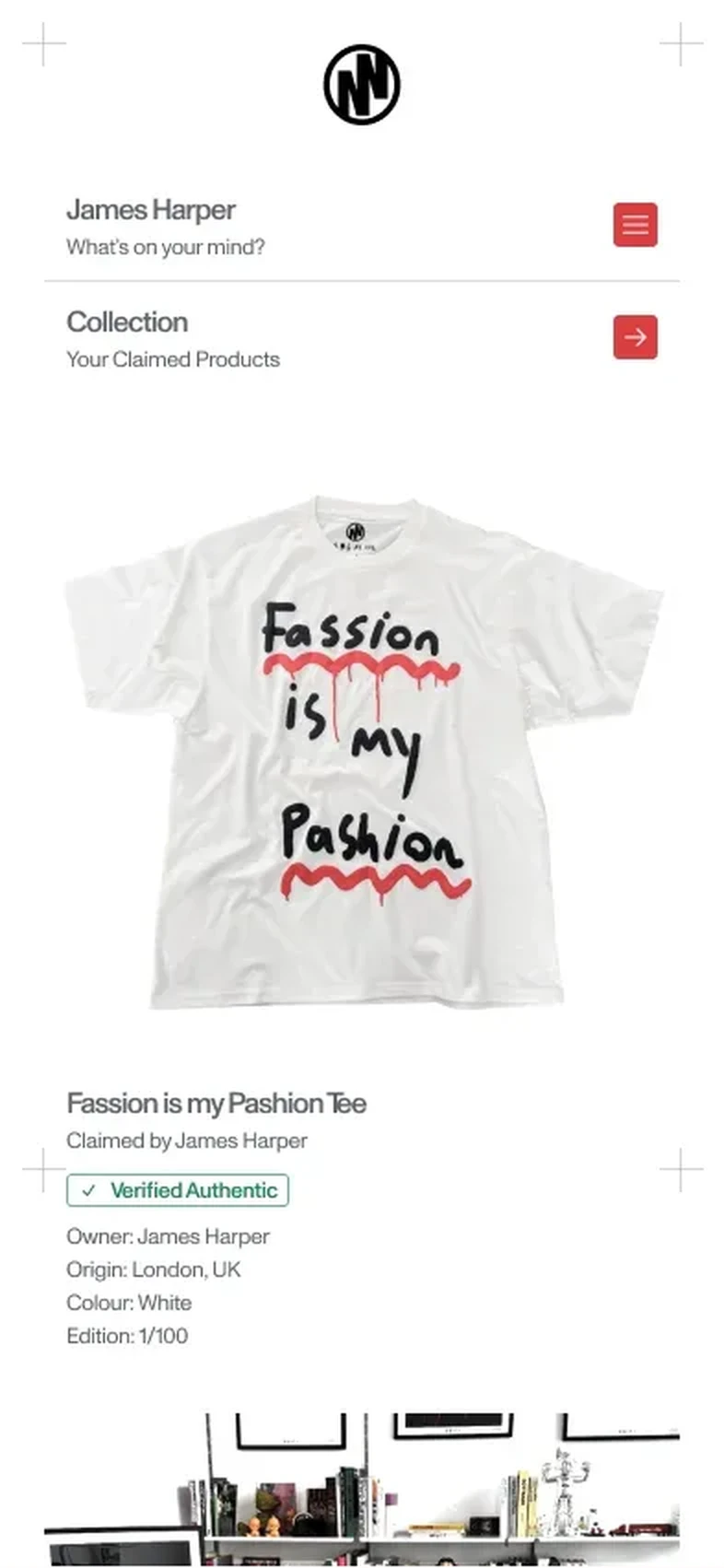
The garment vertical is the natural first pilot.
For a brand, a passport keeps the product's story and its proof together for the whole life of the object, including resale. For an owner, it answers two questions with one tap: is this genuine, and where did it come from. EU rules are introducing mandatory product passports in phases, with textiles among the early categories.
OCC
OCC is in beta for select clients. It is a bolt on at Label and above. Bolt ons and their prices are on Billing, support and bolt ons.
OCC refers to the Official Charts Company. Like Product Passports (DPP-ready), it uses the Advance tag (NXP NTAG424 DNA) and tokenisation: one identity per unit, verified on every tap, that cannot be copied.
For artists and labels, OCC lets a tagged physical item, such as a garment, a card or a Mini CD, be registered as a sale that counts towards the chart, in the same way as a traditional physical release. The tap proves the unit is genuine and counts it once, which is what chart reporting needs. It also gives the artist a fan they can reach.
Genesis with E Gucewicz
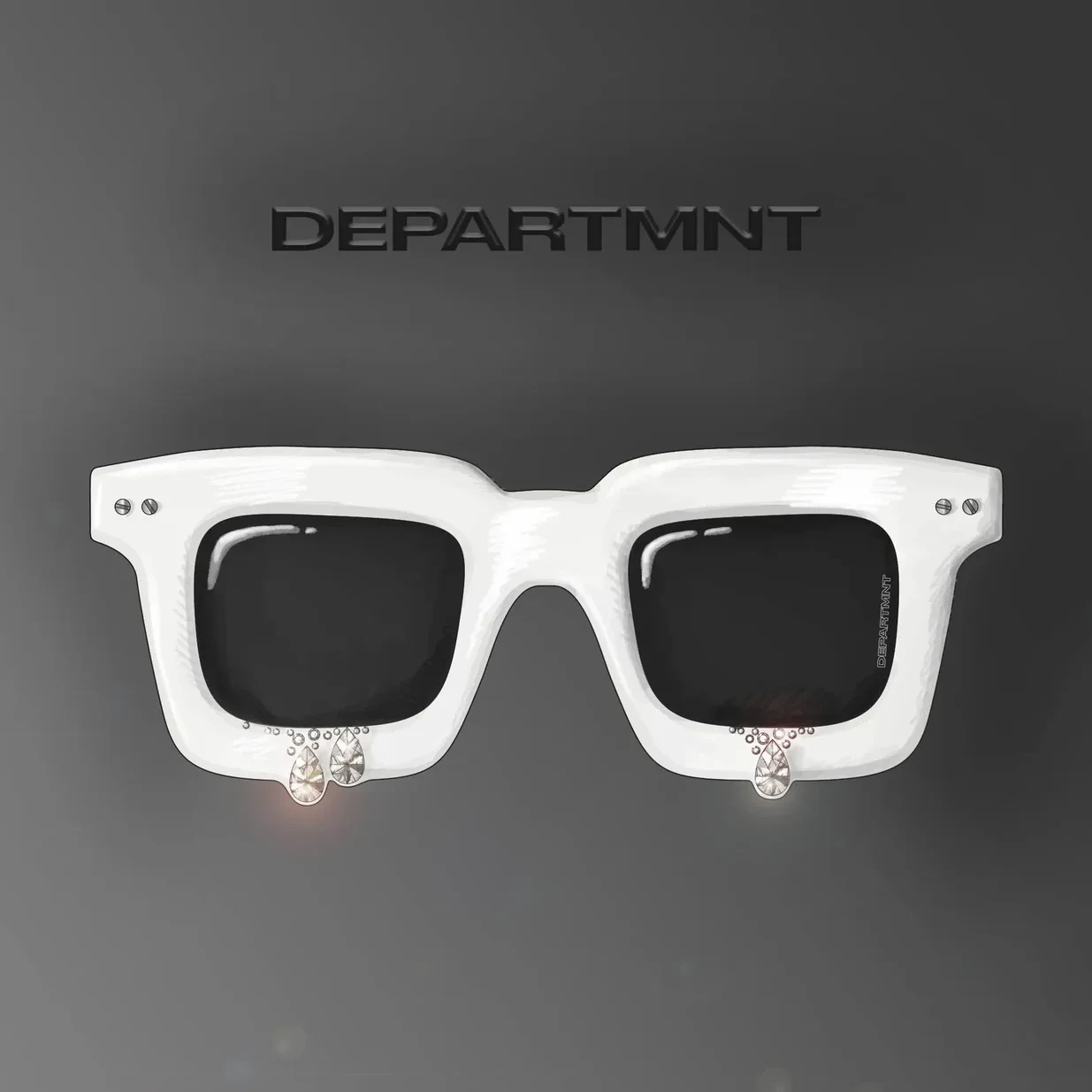
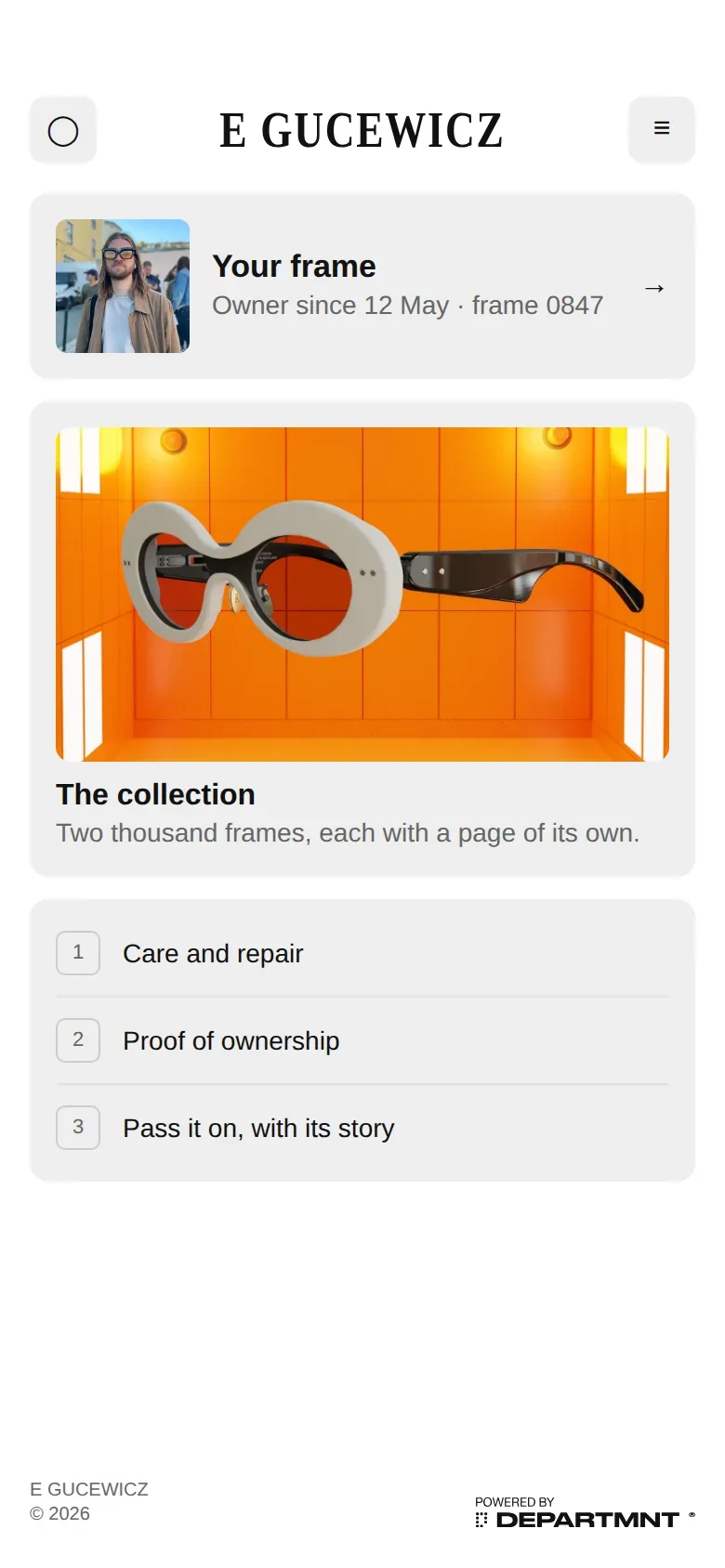
Genesis is the example of the Advance tag at work: a tap that proves an object is genuine, and ownership tokenised to one person. Tokenised means each frame had one digital identity, and a claim recorded who owned it, so ownership could be shown on every tap and kept even if the frame was lost.
Genesis with E Gucewicz was a proof of concept, made with the London atelier E Gucewicz Studios. Prototypes were shown in November 2022. The collection never went to production and was never sold.
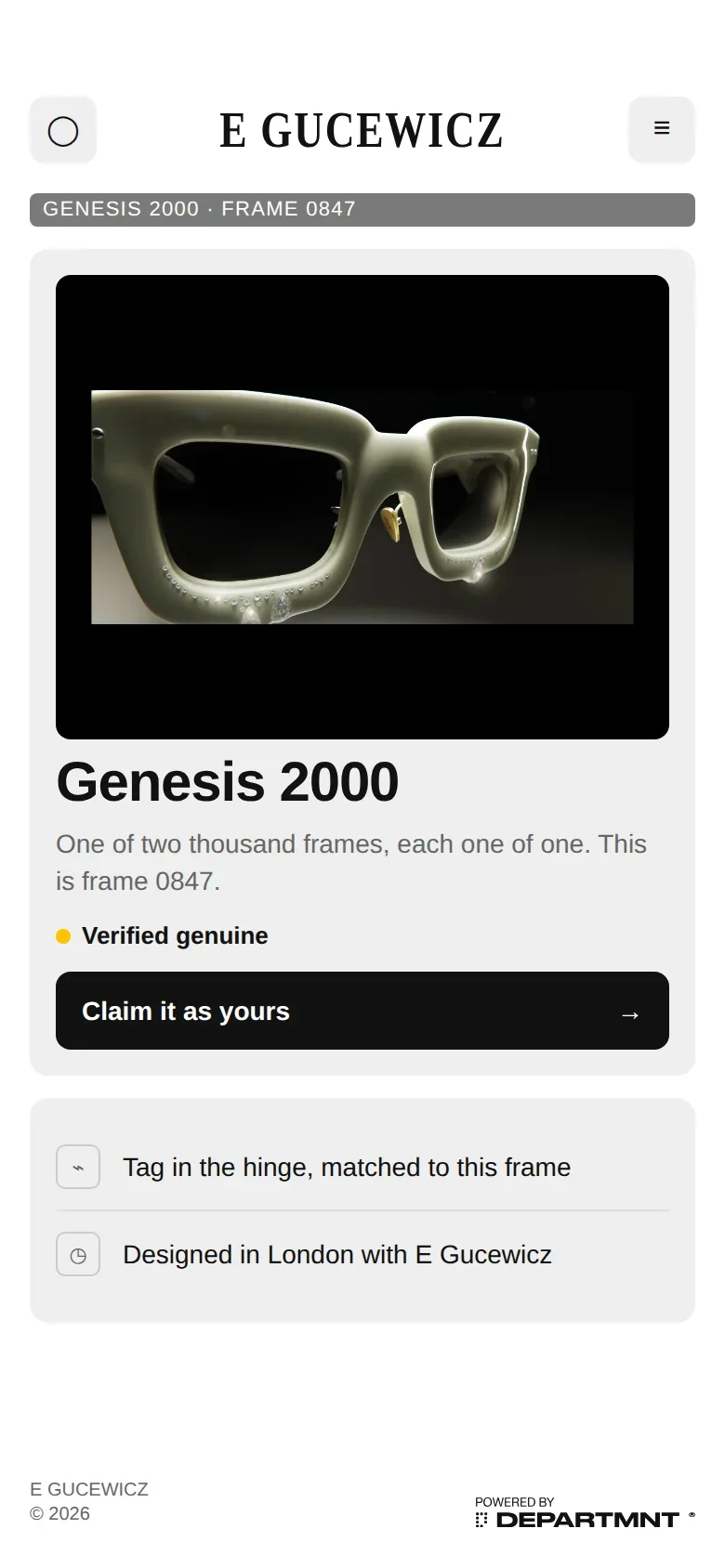
A tag sat inside the temple arm of each prototype frame. A tap opened the frame's own page in the browser, with no app.

The frame's Portal, as the case study shows it. The collection was never sold, so these are concept screens, not live ones.
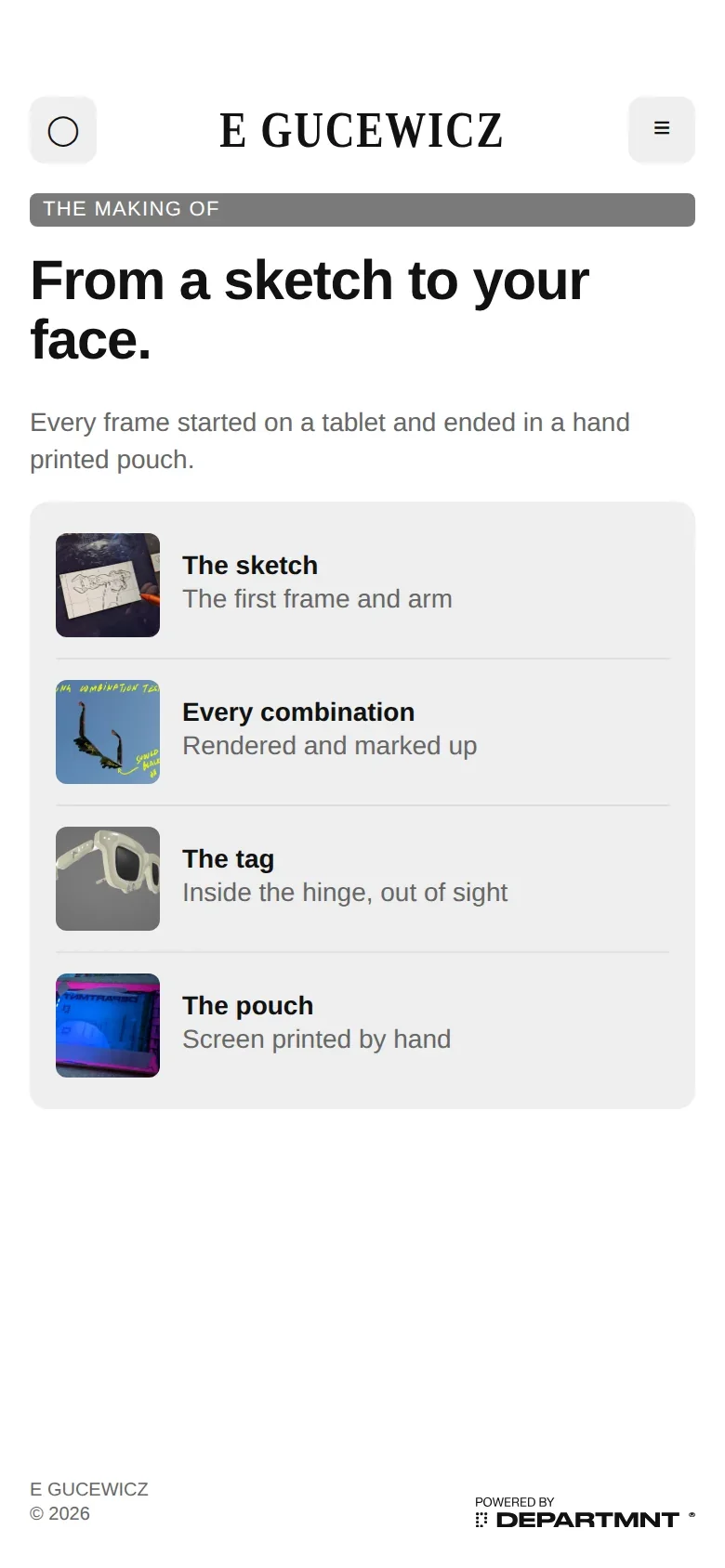
- Access mattered more than verification. Testing showed people wanted the frame to let them in, more than they wanted it to prove itself. That finding has shaped every deployment since.
- The casing became the standard. Aluminium in the frame blocked the signal, so a casing was developed over weeks of lab testing. That casing and placement became the TapTech hardware standard.
- A second tag keeps ownership. A second tag in the case keeps ownership if the frame is lost.
Genesis is where TapTech's hardware was proven, not a product that shipped. It is the reason most deployments today lead with access, and authentication works in the background.
See the Genesis with E Gucewicz case study. Rough Cut is a separate Product reference, with its own case study. Both sit under the Product solution.